
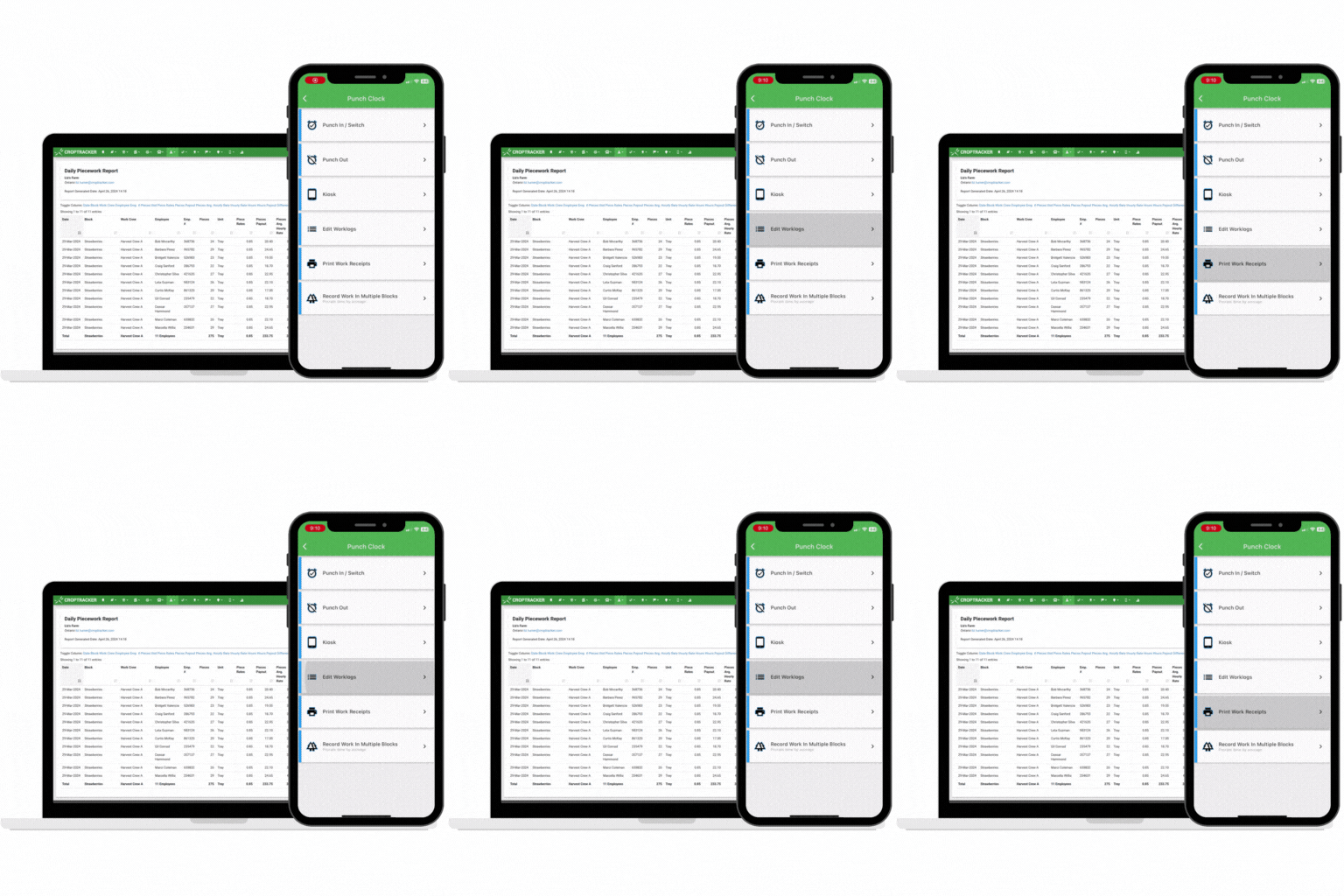
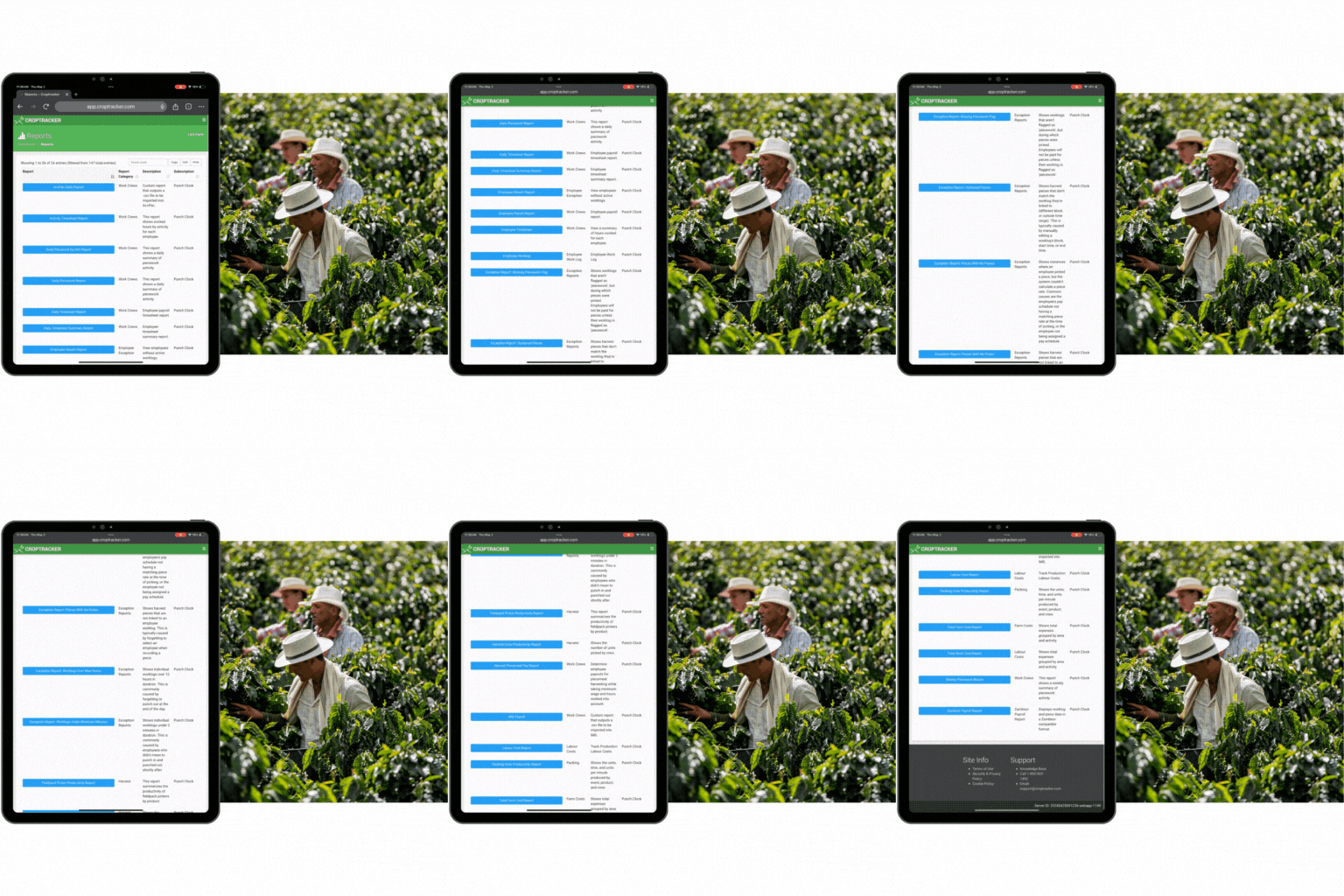
Choose from multiple payroll and productivity reports.
Work with Croptracker support staff to find the perfect report for your process.
Export reports with a click for seamless payroll software integrations.
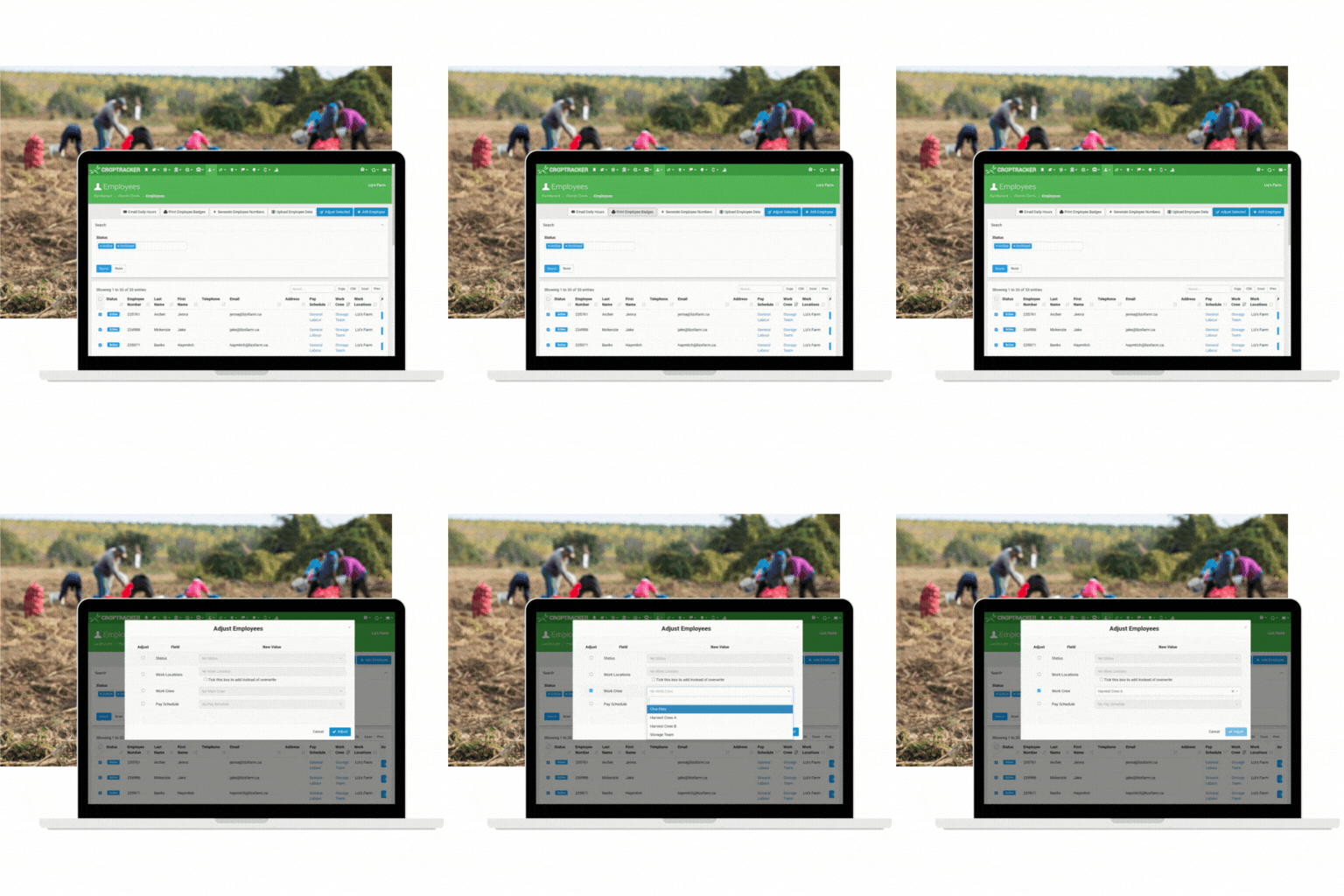
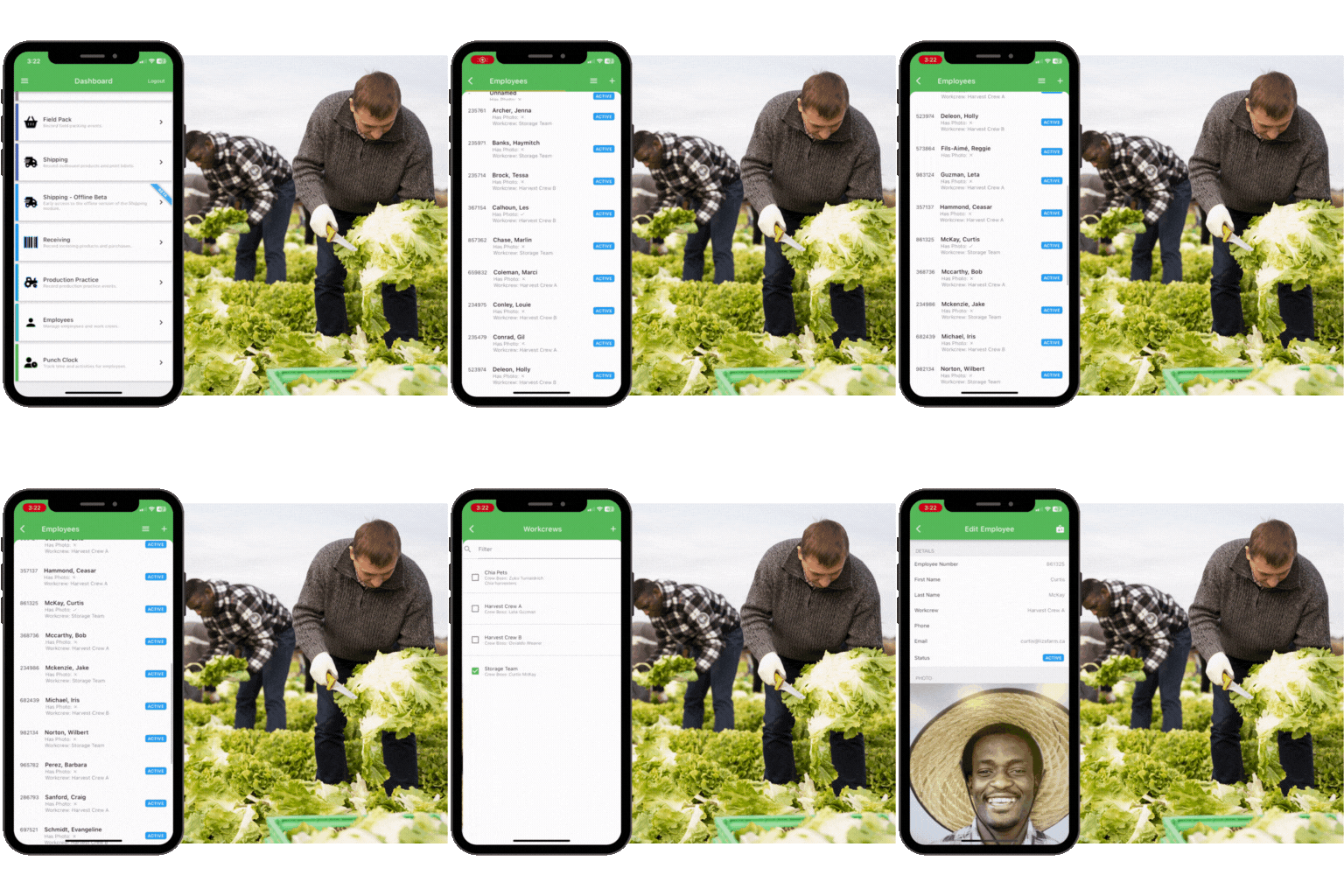
Add and edit employee information on the go.
Move employees to different work crews with a click.
Add employee photos and print employee badges from the mobile app.
Find and fix errors as they happen:
add breaks, switch locations and work crews all from the punch clock admin screen.

Review and approve worklogs quickly and easily.
Add and edit employee details efficiently with bulk upload and edit options.
Add Punch Clock: Kiosk to speed up worklog creation with a simple badge in workflow.
Learn more about the Punch Clock: Admin features that can help your operation today!
Book a demo with our expert support staff to get started.